Unlock your creative potential and learn how to code a Roblox game even with a busy schedule. This comprehensive guide provides actionable steps and practical tips for adult gamers balancing work family and life who seek a rewarding creative outlet. Discover the power of Roblox Studio master Lua scripting and navigate the path to publishing your own unique experiences. We cover everything from initial setup to advanced monetization strategies ensuring you get the most value for your time and effort. Dive into the thriving Roblox development community and transform your gaming passion into tangible game creation skills without the hype just solid information for dedicated players. Learn to build fun engaging and social games efficiently.
How do I start coding my first Roblox game?
To begin coding your first Roblox game, download and install Roblox Studio from the official Roblox website. Once installed, open Studio and select a 'Baseplate' template. Familiarize yourself with the interface, especially the Explorer and Properties windows. The primary language for scripting is Lua. You'll add 'Script' objects to parts or services in your game. Start with simple tutorials on the Roblox Creator Hub to learn basic Lua commands like changing object properties or making a part disappear when touched. These foundational steps will help you grasp the basics of how to code a Roblox game.
What are the quickest ways to learn Lua for Roblox?
The quickest ways to learn Lua for Roblox involve hands-on practice and leveraging free resources. Utilize the official Roblox Creator Documentation, which includes interactive tutorials for scripting basics. YouTube channels dedicated to Roblox development offer visual step-by-step guides that are excellent for visual learners. Focus on practical projects like making a door open, a button work, or a part change color. Regularly experiment with small code snippets in Roblox Studio to understand how Lua commands affect your game. Consistency, even in short bursts, is more effective than infrequent long sessions for busy gamers.
Is Roblox game development free to start, and what are the initial costs?
Yes, Roblox game development is entirely free to start. Roblox Studio, the essential tool for building and coding games, is available for free download on PC and Mac. You don't need any initial investment in software or licenses to begin creating. Any assets you use from the Roblox Toolbox are also often free or acquired with virtual currency (Robux) if you choose to purchase them. The only potential 'costs' might come if you decide to buy Robux for testing monetization features or promoting your game, but these are optional. You can learn how to code a Roblox game and publish it without spending a dime.
How can I make my Roblox game stand out in a crowded market?
To make your Roblox game stand out, focus on a unique concept or a fresh take on a popular genre. Prioritize excellent gameplay mechanics, a polished user interface, and consistent performance across devices, especially mobile. Emphasize social features that encourage player interaction and community building. Regular updates with new content, events, or quality-of-life improvements keep players engaged and show long-term commitment. Actively listen to player feedback and iterate on your game. A strong visual style and effective promotion within the Roblox ecosystem and on social media can also significantly boost visibility for your unique creation.
What are common mistakes new Roblox developers make and how to avoid them?
New Roblox developers often make several common mistakes. One is trying to build an overly ambitious game as their first project; start small and simple. Another is neglecting to test their game thoroughly on various devices, leading to bugs or poor mobile performance. Many also overlook player feedback or fail to update their games regularly, leading to player attrition. Avoid these by starting with achievable projects, rigorously testing your game (especially multiplayer aspects), and engaging with your community. Also, learn to organize your code and assets effectively from the beginning to prevent a chaotic workflow. Focus on core mechanics before adding complex features.
How do I ensure my Roblox game performs well on all devices, especially mobile?
To ensure your Roblox game performs well on all devices, particularly mobile, prioritize optimization from the outset. Keep your game's part count and mesh complexity low. Utilize efficient coding practices, avoiding unnecessary loops or intensive calculations. Use Roblox Studio's built-in 'Performance Stats' monitor to identify bottlenecks. Optimize textures and materials; avoid overly complex visual effects where possible. Design your UI/UX with mobile screens in mind, ensuring buttons are large enough and layouts are clear. Regularly test your game using Studio's 'Emulate' feature for various devices and conduct real-world tests on actual mobile phones. A smooth experience is crucial for player retention.
Where can I find resources and community support for Roblox game coding?
You can find extensive resources and community support for Roblox game coding through several channels. The official Roblox Creator Hub is your primary destination for documentation, tutorials, and API references. The Roblox Developer Forum is an active community where you can ask questions, share projects, and get advice from experienced developers. YouTube is rich with tutorials from creators covering everything from Lua basics to advanced game mechanics. Discord servers dedicated to Roblox development are excellent for real-time interaction and networking. Engaging with these communities provides valuable learning opportunities and helps you stay current with best practices and trends as you learn how to code a Roblox game.
Ever found yourself unwinding with a favorite game after a long day, perhaps on your phone during a quiet moment or settling into your PC for a few hours, and thought, 'I could build something like this'? You are not alone. For many US gamers, particularly those around the age of 36, gaming isn't just a pastime; it's a valuable slice of relaxation, a way to build skills, and a social hub. With 87% of US gamers regularly dedicating 10+ hours a week to their passion, the desire to move from player to creator is a natural evolution. But life happens. Jobs, families, and daily responsibilities often make complex game development seem daunting. That's where Roblox comes in. Learning how to code a Roblox game offers an incredibly accessible entry point into game creation, perfectly balancing the desire for a deep, rewarding project with the realities of a busy life. This guide is crafted for you, the discerning gamer who values practical advice, performance optimization, and staying current without falling for hype. We're here to demystify the process, tackle common pain points, and show you exactly how to code a Roblox game that reflects your unique vision and provides genuine value, both for you and potential players.
Forget the intimidating learning curves of traditional engines. Roblox Studio empowers millions to create, and with a structured approach, you can join their ranks. We'll walk through everything from getting started with the intuitive tools to understanding the core programming language, Lua. You'll discover how to bring your game ideas to life, ensure smooth performance, and even connect with a vibrant community of fellow creators. By focusing on smart, efficient development, we'll help you build engaging experiences that resonate with the mobile-dominant and cross-play-loving Gen Z and Millennial audiences. Ready to turn your gaming insights into a playable reality? Let's dive into how to code a Roblox game efficiently and enjoyably.
What Exactly Is Roblox Studio and Why Should I Use It?
Roblox Studio is the free, official development environment where you can create, build, and publish your own games (known as experiences) on the Roblox platform. Think of it as your virtual workshop. Unlike complex professional game engines that can have steep learning curves, Roblox Studio is designed for accessibility, making it ideal for beginners while still offering powerful tools for experienced developers. It abstracts away much of the technical overhead, allowing you to focus on game design and coding. For busy gamers, this means less time wrestling with engine specifics and more time on creative expression, making it a perfect tool for those looking to learn how to code a Roblox game without getting bogged down.
The platform boasts an enormous global audience, with millions of active users logging in daily, offering an unparalleled opportunity for your creations to be discovered. Its robust backend handles server management, player accounts, and monetization, freeing you from these infrastructure concerns. This month's data continues to show strong social gaming trends, and Roblox's built-in social features make it easy for players to connect within your games. For someone balancing a job and family, Roblox Studio provides a streamlined path to game creation, offering immediate visual feedback and a supportive community, directly addressing pain points around complex setups and time constraints.
What Programming Language Does Roblox Use for Game Development?
Roblox primarily uses Lua, a lightweight, powerful, and easy-to-learn scripting language, for all its game logic. Lua is known for its speed, simplicity, and embeddability, making it an excellent choice for a platform like Roblox where performance and ease of use are crucial. If you've ever thought about how to code a Roblox game, Lua will be your primary tool. It's often praised for its clear syntax, which makes it less intimidating for those new to programming compared to languages like C++ or Java.
Learning Lua doesn't require a computer science degree; many resources are available right within Roblox Studio and through its extensive developer community. Its straightforward structure allows you to quickly grasp fundamental programming concepts like variables, functions, loops, and conditional statements. This accessibility means you can start building interactive elements in your game much faster, letting you see your ideas come to life quickly—a huge motivator for adult learners balancing other commitments. Even if you've only tinkered with visual programming or spreadsheet formulas before, Lua's logical flow will feel familiar and empower you to script complex game mechanics.
How Do I Get Started with Roblox Game Development and Roblox Studio?
Starting your Roblox game development journey is straightforward and designed to get you creating quickly. The first step in learning how to code a Roblox game is to download and install Roblox Studio, which is completely free. It's available on both Windows and macOS, ensuring broad accessibility for PC gamers.
Here are the initial steps:
Download Roblox Studio: Visit the official Roblox website and locate the 'Create' section. You'll find a clear prompt to download Roblox Studio. The installation process is quick and guided, similar to any other software.
Explore the Interface: Once installed, launch Studio and familiarize yourself with its layout. You'll see the Explorer window (lists all objects in your game), the Properties window (shows attributes of selected objects), and the Toolbox (provides free assets). Don't feel overwhelmed; start by playing around with basic parts.
Create a New Project: Start with a 'Baseplate' template. This gives you a blank canvas to begin building. Experiment with adding parts, scaling them, and changing their colors or materials using the 'Home' and 'Model' tabs.
Learn Basic Navigation: Practice moving the camera around the workspace (right-click and drag, WASD, scroll wheel) and manipulating objects (Move, Scale, Rotate tools). These fundamental interactions are key to efficient building.
Watch Introductory Tutorials: Roblox provides excellent official tutorials directly within Studio and on their developer website. Many community creators also offer beginner-friendly video guides. These will walk you through your first steps, like creating a simple obstacle course or a basic interactive button.
For busy individuals, dedicating even short, focused sessions to these initial explorations can yield significant progress. The visual nature of Roblox Studio provides immediate gratification, making learning both effective and enjoyable.
What are the Essential Coding Concepts for Roblox Beginners?
When learning how to code a Roblox game, focusing on a few core Lua scripting concepts will provide a solid foundation. You don't need to master everything at once; instead, concentrate on these building blocks to create interactive elements:
Variables: Think of variables as containers that hold information, such as a player's score, an object's position, or a text message. Understanding how to declare and assign values to variables is fundamental.
Data Types: Lua handles different types of data, including numbers (integers, decimals), strings (text), booleans (true/false), and tables (collections of data). Knowing which data type to use for specific information is crucial.
Functions: Functions are blocks of code that perform a specific task. You can call them repeatedly, making your code organized and efficient. For example, a function might handle what happens when a player touches a part.
Conditional Statements (if/else): These allow your game to make decisions. For instance, 'if' a player's health is zero, 'then' respawn them, 'else' continue the game. This logic is vital for creating dynamic gameplay.
Loops (for/while): Loops are used to repeat actions multiple times. A 'for' loop might count down a timer, while a 'while' loop could continuously check if a door is open. They are powerful for automating repetitive tasks.
Events: Roblox is event-driven. This means code often runs in response to something happening, like a player clicking a button, a part being touched, or a game starting. Connecting functions to events is key to making your game interactive.
Parenting and Object Hierarchy: Understanding how objects are organized in the Explorer window (e.g., a Part inside a Model, a Script inside a Part) is essential for referencing and manipulating them through code.
Start by scripting simple interactions, like changing a part's color when clicked or making an object disappear. These small victories build confidence and deepen your understanding of how Lua interacts with the Roblox environment, providing a practical foundation for how to code a Roblox game.
How Can I Make My Roblox Game Fun and Engaging for Players?
Creating an engaging Roblox game goes beyond just coding; it's about understanding player psychology and designing for retention. For players balancing life and work, quick, rewarding, and social experiences often hit the mark. Here's how to make your game shine:
Clear Core Loop: What's the main activity players will do repeatedly? Make it simple to understand but offer depth for mastery. For example, a simple collecting game can evolve with different tiers of items or environmental challenges.
Immediate Gratification: Especially for busy adults, showing progress quickly is key. Reward players early and often, even with small bonuses, to keep them hooked. This aligns with trends of mobile gaming where short, impactful sessions are common.
Social Interaction: Roblox thrives on social play. Implement features that encourage players to interact, collaborate, or even compete. Leaderboards, in-game chat, team-based objectives, or even simple emotes can boost engagement. Many popular games this month are those fostering connections.
Progress and Customization: Offer systems where players can earn currency, unlock new items, or customize their avatar or in-game space. This gives them a sense of ownership and long-term goals. Value for money, even if it's just earned in-game currency, resonates strongly.
Visual Appeal and Polish: While gameplay is king, a clean, attractive aesthetic makes a huge difference. Use Roblox Studio's built-in materials and lighting effectively. Ensure UI/UX is intuitive. Performance optimization, like keeping part counts reasonable, is also crucial for a smooth experience across devices.
Regular Updates and Feedback: Keep your game fresh with new content, events, or bug fixes. Actively listen to player feedback from your community (e.g., Discord, in-game comments) and incorporate it where appropriate. This shows dedication and keeps players coming back, building a loyal player base for your new experience as you learn how to code a Roblox game.
Remember, the goal is to create an experience that provides relaxation and fun without adding more stress, aligning with the core values of your target audience.
How Do I Test and Publish My Roblox Game Effectively?
Testing and publishing are crucial steps in your journey to how to code a Roblox game. Thorough testing ensures your game runs smoothly, while effective publishing gets it into the hands of players.
Testing Your Game:
Playtest in Studio: Use the 'Play' and 'Run' buttons in Roblox Studio. 'Play' lets you test as a player, while 'Run' simulates the game world without a player character, useful for testing scripts that don't depend on player interaction. 'Play Solo' is good for initial script debugging.
Simulate Multiple Players: Under the 'Test' tab, you can start a local server with multiple clients to simulate how your game behaves with several players. This is invaluable for identifying replication issues or bugs that only appear in a multiplayer environment.
Test on Different Devices: Use the 'Emulate' feature to see how your game looks and performs on various devices (phone, tablet, different PC resolutions). With mobile dominance in gaming, ensuring your game is mobile-friendly is critical.
Get Feedback from Friends: Share your game with a trusted group of friends or fellow developers for early feedback. They can spot issues you might have overlooked and provide fresh perspectives on gameplay and user experience. Be open to constructive criticism.
Publishing Your Game:
Save to Roblox: In Studio, go to File > Save to Roblox. This uploads your game to the Roblox platform. You'll need to create a new game or update an existing one.
Configure Game Settings: Provide a compelling title and description. Choose an appropriate genre and set permissions (e.g., public or private). Upload a catchy icon and engaging screenshots/videos to attract players. This is your storefront, make it appealing!
Monetization Options: Decide if you want to enable monetization through Game Passes, Developer Products (one-time purchases), or Premium Payouts. Think about what offers real value to players without feeling exploitative. Budget-friendly options and clear value propositions are key.
Go Public: Once ready, make your game public through the 'Game Settings' menu. Promote your game on social media, Discord servers, and within the Roblox community. Staying current with trends in game promotion can significantly boost visibility.
Remember that publishing is just the beginning. Monitor performance, gather player feedback, and plan for future updates.
Can I Really Make Money From My Roblox Game Creations?
Absolutely, learning how to code a Roblox game can open doors to earning real money. Roblox provides several robust monetization avenues, making it a viable platform for creators to turn their passion into income. It's not about getting rich overnight, but consistent effort and a good game can yield significant results, especially for those who focus on value and player experience.
Here are the primary ways to monetize your Roblox game:
Game Passes: These are one-time purchases players can make to gain permanent benefits within your game, such as access to exclusive areas, special abilities, or unique items. For example, a
Learn to code Roblox games effectively Master Roblox Studio basics Understand Lua scripting for game mechanics Develop engaging game experiences efficiently Connect with the Roblox creator community Explore monetization options for your creations Balance game development with your busy life.
35#1 Gallery how to code a roblox game

How To Code Your Own Roblox Game EASILY YouTube . Want Freebies How To Get Codes For Roblox 2026 How To Redeem A Code In Roblox Rivals . All Roblox Games Codes January 2026 RobloxGo 14967. Roblox Master List Codes Discord And Trello June 2026 TechWiser Roblox Game Codes.webp. All Roblox Games Codes January 2026 RobloxGo 14971
#2 Gallery how to code a roblox game

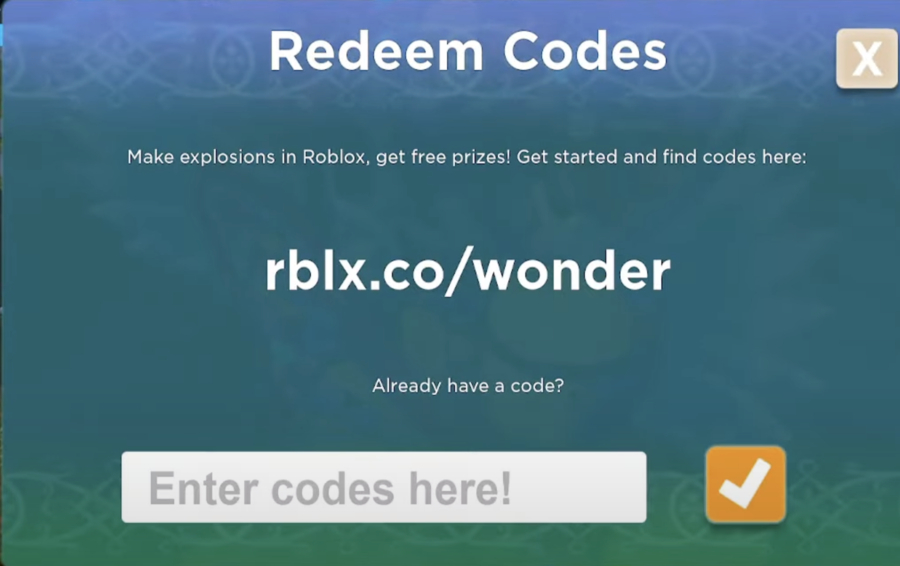


Want Freebies How To Get Codes For Roblox 2026 Flex Ugc Codes . How To Publish A Game On Roblox In 2026 Roblox YouTube . How Can You Redeem Roblox Codes Easily In 2026 Redeem Roblox Codes 4 . What Is Freedom Code Roblox And How Does It Work Roblox Promo Code Redeem . How To Update Roblox In 2026 Fix Error Code 280 On PC Mobile Xbox Roblox Update It.webp
#3 Gallery how to code a roblox game

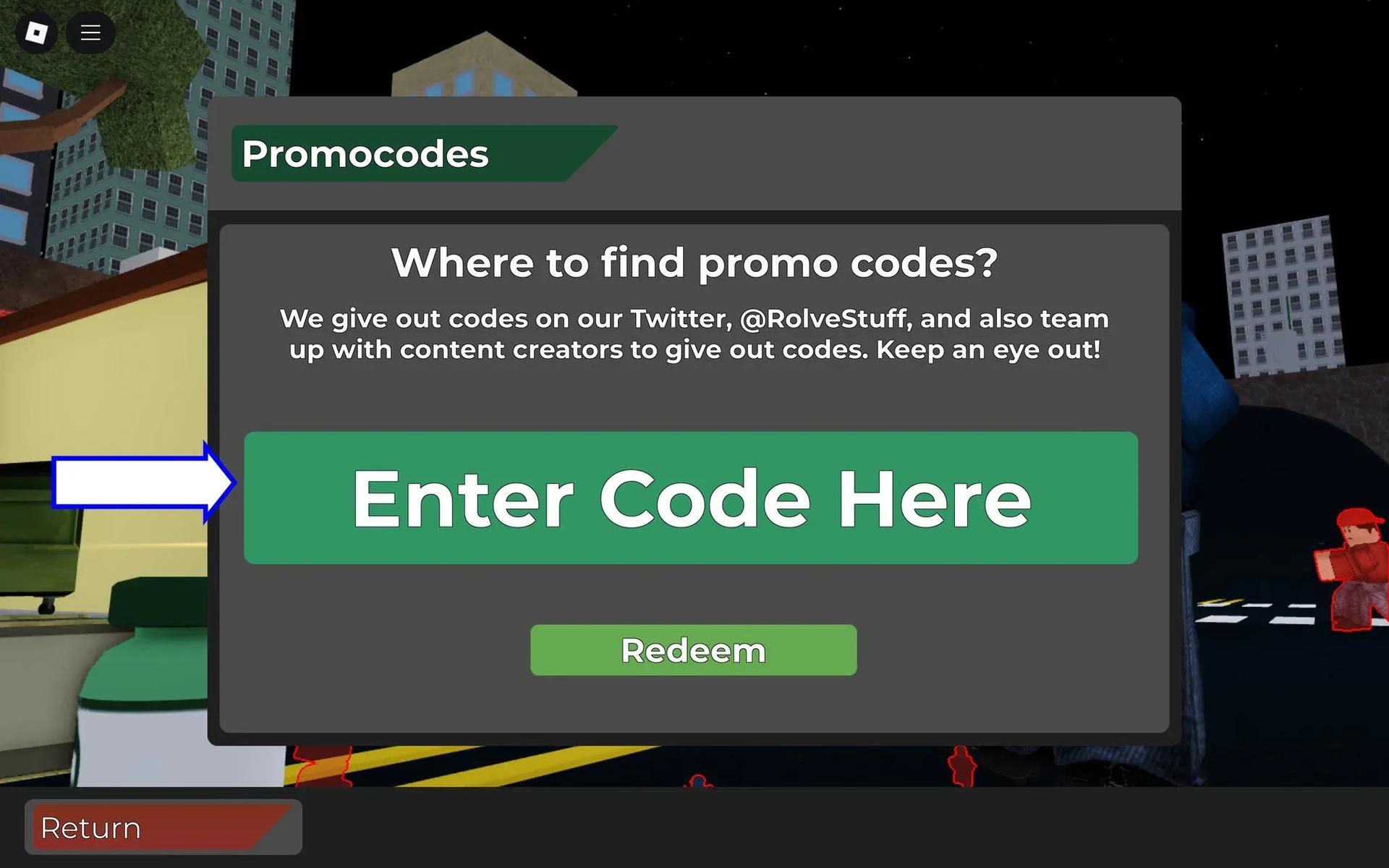
Skibi Defense Roblox Codes February 2026 Latest Active Codes How To Kode Skibi Defense Roblox Februari 2026 Daftar Codes Terbaru And Cara Redeem 289ce1b886 . How To Make A Game Pass In Roblox 2026 Step By Step Guide Game Pass Roblox.webp. Want Freebies How To Get Codes For Roblox 2026 Roblox Codes.webp. All Roblox Games Codes Complete May 2026 Guide All Roblox Games Codes . Arsenal Roblox Codes For April 2026 GAMES GG Arsenal Codes April 2026 Hero
#4 Gallery how to code a roblox game
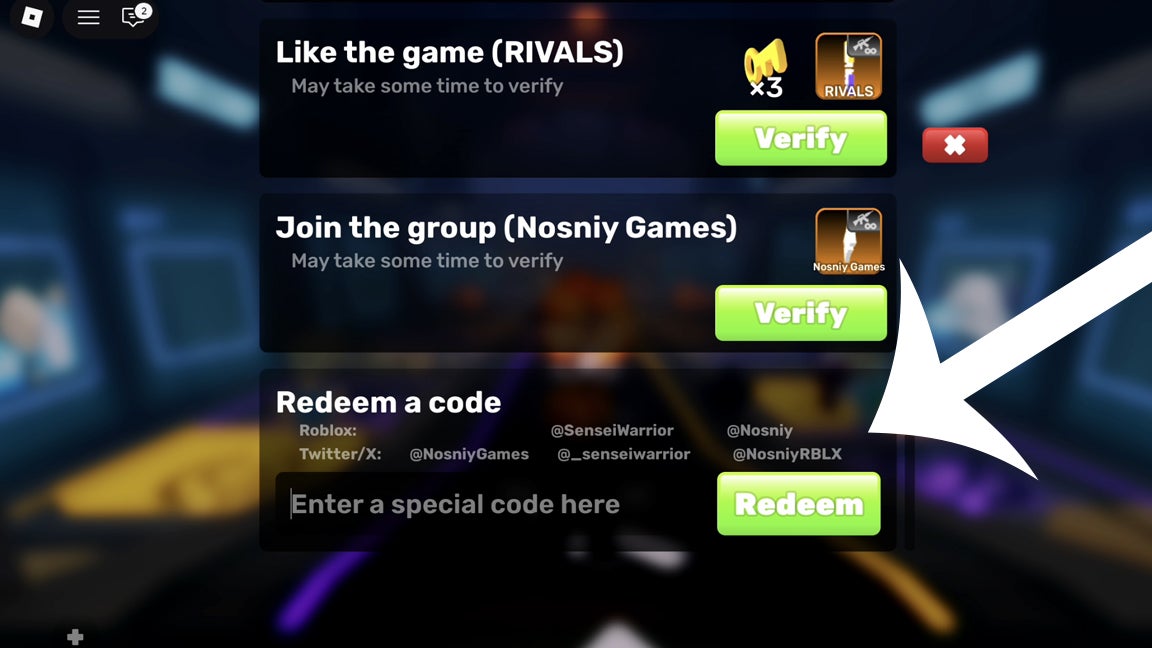
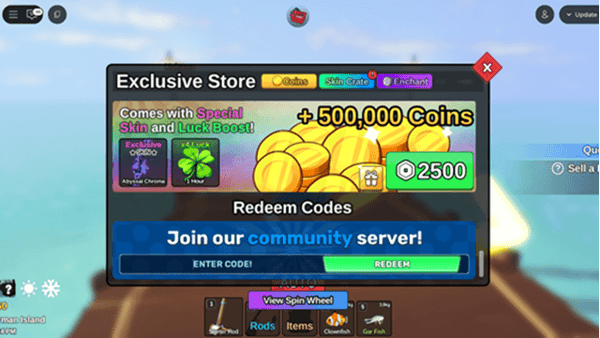

Roblox Game Codes List April 2026 TechShout Roblox Codes List . Roblox Rivals Kody 2026 Eurogamer Pl Rivals Codes Menu . Solo Hunter Roblox Codes January 2026 Latest Redeem Codes Gem Rewards Solo Hunter Roblox Codes Januari 2026. All Roblox Games Codes February 2026 RobloxGo 14942. Want Freebies How To Get Codes For Roblox 2026 How To Redeem Roblox Promo Codes
#5 Gallery how to code a roblox game

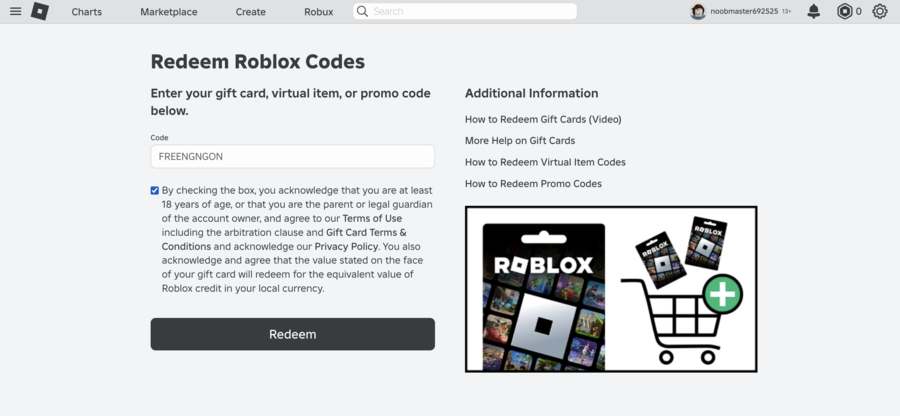
How To Redeem Roblox Codes Full Guide YouTube . Roblox Redemption Codes 2026 New And Working Roblox Codes 1536x778 . How Can You Redeem Roblox Codes Easily In 2026 Redeem Roblox Codes 1 . How To Redeem Roblox Credit 2026 Quick Guide. Doors Roblox Codes 2026 Are They Real And How To Find Them Redeem Codes For Roblox Doors.webp
#6 Gallery how to code a roblox game

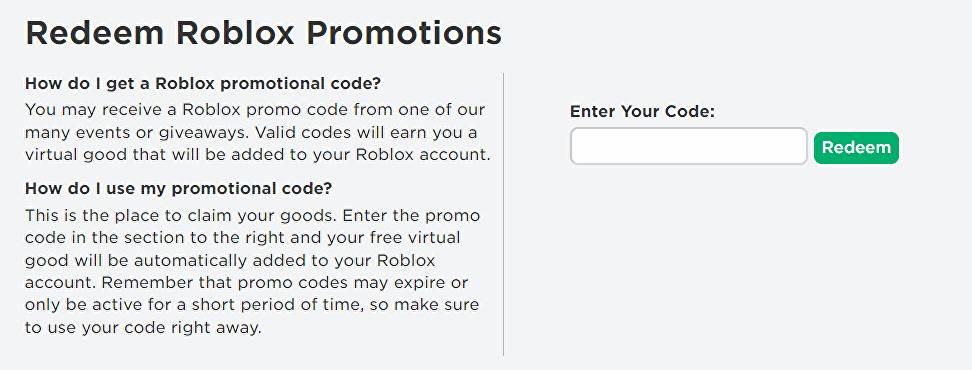
NEW ALL DRESS TO IMPRESS CODES IN JANUARY 2026 ROBLOX DTI CODES . How Can You Redeem Roblox Codes Easily In 2026 Roblox Pls Donate Codes 1 . How Can You Redeem Roblox Codes Easily In 2026 Roblox Redeem Code Thumbnail . How Can You Redeem Roblox Codes Easily In 2026 Roblox Redeem Page . Roblox Promo Codes 2026 Updated Free Bundles Pets Exclusive Items Roblox Promo Codes.webp
#7 Gallery how to code a roblox game



Roblox Game Codes Claim Free Items Boosts June 2026 Roblox Game Codes . How To Message On Roblox 2026 A Quick Guide SL1500 . How To Download Roblox On Any Device Easily In 2026 1200x1769 . How To Code A Game In Roblox With A Game Design Expert From Roblox . Seeking Roblox Codes A 2026 Guide Codes Box Image