Unlock your creative potential in Roblox and learn how to make your own items, bringing your unique visions to life within the expansive metaverse. This comprehensive guide provides step-by-step instructions for aspiring creators, covering everything from initial design concepts and understanding Roblox Studio tools to texturing and uploading your custom creations. Discover the joy of seeing your unique accessories, clothing, or virtual objects used by millions of players worldwide. We delve into essential techniques for 3D modeling, applying textures, setting up item properties, and navigating the Roblox marketplace. Whether you aim to monetize your designs, enhance your favorite games, or simply express your artistic flair, mastering item creation in Roblox offers a deeply rewarding experience. This informational resource is perfect for gamers looking to expand their skills beyond playing, offering insights into development, community engagement, and the burgeoning creator economy within Roblox. Learn to overcome common hurdles and optimize your creation workflow for maximum impact and enjoyment, ensuring your journey into Roblox development is both productive and fun. Dive in and start building your legacy today.
How do I begin making my own custom items in Roblox Studio?
Starting your journey to create custom Roblox items begins within Roblox Studio, the free development platform. First, download and install Roblox Studio from the official Roblox website if you haven't already. Once installed, open it and log in with your Roblox account. From the 'New' tab, you can choose a baseplate template or an existing game project to work within. The core process involves designing your 3D model, applying textures, and then configuring its properties. Familiarize yourself with the 'Part' tool for basic shapes, the 'Toolbox' for existing assets to learn from, and the 'Explorer' and 'Properties' windows, which are essential for managing and customizing your creations. Many successful adult creators, balancing jobs and families, find that dedicating short, focused bursts of time in Studio each day is key to consistent progress, turning a relaxing hobby into a skill-building endeavor.
What essential tools and software do I need for Roblox item creation?
For basic item creation within Roblox Studio, you primarily need Roblox Studio itself. It offers built-in tools for manipulating parts, creating basic shapes, and applying materials. However, to create truly unique and complex items, you'll want to branch out to external 3D modeling software. Popular free options include Blender, which is an industry standard and incredibly powerful for sculpting, modeling, and UV unwrapping (preparing models for texturing). For texturing, programs like GIMP or Krita (both free) or industry-standard Adobe Photoshop/Substance Painter (paid) are excellent for creating detailed surface designs. Having a good image editor for textures is crucial to making your items visually appealing. These external tools allow for far greater artistic freedom and detail than what's available directly in Studio, enabling you to craft professional-looking assets that stand out in the crowded marketplace.
Can I monetize my custom Roblox items and how does that work?
Yes, absolutely! One of the most exciting aspects of creating items in Roblox is the potential for monetization. You can sell various types of items, including clothing (shirts, pants), accessories (hats, hair, shoulder pets), and even game passes or developer products for in-experience items. To sell, you'll need a Premium subscription for some item types (like basic shirts/pants for public sale, though UGC items have different requirements) and to follow Roblox's strict Community Standards and Marketplace Guidelines. Once approved, players can purchase your items using Robux, and a percentage of these sales (typically 30% for UGC items, varying for others) is paid back to you as Robux. This system allows creators to earn from their efforts, converting virtual currency into real-world value, which for many busy adults, adds a compelling layer of purpose to their gaming passion.
What are the general steps to upload a finished 3D item to Roblox Studio?
Uploading a finished 3D item, especially one modeled in external software, involves a few key steps. First, ensure your 3D model is exported from your modeling software (like Blender) as an FBX or OBJ file, which Roblox Studio supports. Make sure your model has proper UV unwrapping if you're using custom textures. Next, in Roblox Studio, go to the 'View' tab and open the 'Asset Manager'. Click 'Bulk Import' and select your FBX/OBJ file and any associated texture files (PNG, JPG, TGA). Once imported, drag your mesh part from the 'Asset Manager' into your workspace. You'll then need to apply your textures by setting the 'TextureID' property of the MeshPart to the appropriate texture asset. Finally, configure properties like 'CollisionFidelity' and parent it correctly within your game or avatar model. Remember to test thoroughly to ensure it displays and functions as intended across different devices and graphics settings.
How can I ensure my Roblox items meet quality standards and look professional?
To make your Roblox items look professional and meet quality standards, focus on several key areas. Firstly, clean topology in your 3D model is crucial; avoid overly complex meshes where simpler ones will do, and ensure good edge flow. Secondly, high-quality textures make a huge difference. Use clear, detailed textures, and consider PBR (Physically Based Rendering) materials for more realistic surfaces when applicable. Thirdly, adhere to Roblox's technical specifications regarding poly count, texture resolution, and file sizes to ensure optimal performance. Testing your item on various devices and graphics settings is vital; what looks good on a high-end PC might not on a mobile device. Finally, research current Roblox aesthetic trends and learn from successful creators. Observing top sellers can provide insights into popular styles and effective design choices, helping your creations resonate with the broader player base and achieve better visibility.
What are the common pitfalls to avoid when creating items for Roblox?
When making items for Roblox, several common pitfalls can derail your progress or lead to rejection. A major one is ignoring Roblox's Community Standards and Asset Guidelines. These rules are strict about intellectual property, inappropriate content, and technical limitations, so always review them. Another pitfall is overly complex models with high polygon counts, which can cause lag and poor performance, especially on mobile devices where a significant portion of Roblox's 2026 player base resides. Poor UV mapping leads to stretched or blurry textures, diminishing visual quality. Neglecting collision geometry can make items unusable or cause strange interactions in-game. Also, not testing your item thoroughly across different devices and game scenarios can lead to unexpected bugs. By being mindful of these issues and continuously referring to Roblox's developer documentation, you can streamline your creation process and produce high-quality, publishable items.
Are there free resources or communities to help me learn more about Roblox item creation?
Absolutely, the Roblox developer community is incredibly vibrant and supportive, offering a wealth of free resources. The official Roblox Creator Hub is your primary go-to, featuring extensive documentation, tutorials, and guides for all aspects of development, including item creation. YouTube is another treasure trove, with countless creators publishing step-by-step video tutorials on modeling in Blender for Roblox, texturing, and uploading. Joining developer forums and Discord servers dedicated to Roblox development allows you to ask questions, share your work, get feedback, and connect with experienced creators. Many online communities host free workshops or share custom assets and scripts that can accelerate your learning. For the adult gamer seeking to expand skills without breaking the bank, these resources provide an invaluable foundation, fostering both technical proficiency and a sense of belonging within the broader Roblox development ecosystem.
Ever found yourself scrolling through the Roblox catalog, wishing for that one perfect accessory, outfit, or unique prop that just doesnt exist? Youre not alone. Many gamers, especially those of us balancing careers, families, and lifes demands, appreciate the relaxation and creative escape gaming offers. While 87 percent of US gamers play regularly, often dedicating 10 plus hours a week, a growing number are also discovering the immense satisfaction of creating within their favorite virtual worlds. This month alone, the buzz around user-generated content in social gaming platforms like Roblox continues to trend upwards, highlighting a significant shift from passive consumption to active creation.
Imagine transforming your unique ideas into digital reality, seeing other players sport your custom designs, or even earning a bit of Robux from your ingenuity. Learning how to make your own item in Roblox isnt just a creative outlet; its a valuable skill that enhances your entire gaming experience and connects you to a thriving creator community. It might seem daunting at first, especially if youre new to 3D modeling or game development, but we’re here to break it down. This guide is crafted for the busy adult gamer who wants to dive into creation without getting bogged down by technical jargon or endless tutorials. We’ll cut through the noise, offering clear, actionable steps and practical tips to help you design, upload, and even monetize your very own items in Roblox Studio. Get ready to turn your imaginative sparks into digital masterpieces.
What Exactly is a Roblox Item and Why Should I Make One?
In Roblox, an item broadly refers to any user-generated asset that can be used within a game or worn by an avatar. This includes anything from clothing like shirts and pants, to accessories such as hats, wings, or gear, and even 3D models of furniture, weapons, or environmental props for specific experiences. These items are the building blocks of the Roblox metaverse, allowing millions of creators to personalize their games and avatars. For the average US gamer, who values customization and self-expression, creating your own item is a powerful way to stand out.
Why bother? Beyond personal satisfaction, making items offers several benefits. Firstly, its a fantastic way to develop new skills like 3D modeling, texturing, and basic game design principles, which are highly transferable to other creative fields. Secondly, it allows you to truly personalize your avatar or game, creating something that perfectly fits your aesthetic or gameplay needs. Thirdly, and perhaps most enticingly, successful items can be sold on the Roblox marketplace, providing a potential income stream in Robux. Many adult gamers find this creative side hustle a fulfilling extension of their gaming hobby, offering a tangible return on their time and effort. Its about more than just playing; its about building, innovating, and leaving your mark in a vibrant digital world.
What Tools Do I Need to Start Creating Items in Roblox Studio?
To embark on your item creation journey, your primary tool will be Roblox Studio, which is free to download and essential for integrating your creations into the platform. Within Studio, you have basic part manipulation tools, a built-in material manager, and properties windows for fine-tuning. However, for genuinely unique and high-quality items, you'll want to leverage external 3D modeling software. Blender, a robust and free open-source tool, is highly recommended for its powerful modeling, sculpting, and UV unwrapping capabilities. For texturing, programs like GIMP or Krita, both excellent free alternatives, or professional software like Adobe Photoshop or Substance Painter, are crucial for creating detailed and appealing surface designs. Having a good understanding of how these tools work together will significantly elevate the quality of your custom Roblox items.
Furthermore, a reliable internet connection and a computer with decent processing power are important, especially when working with more complex models and textures. While Roblox Studio can run on relatively modest hardware, external 3D modeling and texturing software can be resource-intensive. Invest time in learning the basics of these complementary tools; countless free tutorials exist for Blender and GIMP, making the learning curve manageable for anyone dedicated to building new skills alongside their gaming passion.
How Do I Design a 3D Model for My Roblox Item?
Designing a 3D model involves conceptualization and execution using your chosen software. Start with a clear idea or sketch of what you want to create. Think about its function, style, and how it will interact within the Roblox environment. If youre using Blender, begin by blocking out the basic shape with simple primitives like cubes or cylinders. Then, use tools like extrusion, loop cuts, and modifiers to refine the shape, add details, and sculpt your item. Focus on maintaining clean topology meaning an organized and efficient mesh as this greatly impacts performance and ease of texturing later on.
Consider the scale of your item in relation to Roblox avatars. Roblox characters have specific dimensions, so modeling your item with these in mind will help ensure it fits correctly. Once your model's shape is finalized, the next crucial step is UV unwrapping. This process flattens the 3D model into a 2D layout, like unfolding a cardboard box, to prepare it for texture application. Proper UV unwrapping prevents stretched or distorted textures, making your item look polished and professional within Roblox.
What Are Textures and How Do I Apply Them to My Roblox Creation?
Textures are image files that define the surface appearance of your 3D model, adding color, detail, and material properties. They can range from simple solid colors to intricate patterns, metallic sheens, or rough concrete surfaces. Applying textures is what brings your bland gray 3D model to life. After UV unwrapping your model in software like Blender, you'll create these textures using an image editor such as GIMP or Photoshop, painting directly onto the 2D UV map or using procedural methods.
Once your texture images (typically PNG or JPG files) are ready, you'll export your 3D model (usually as an FBX or OBJ file) and import both the model and its textures into Roblox Studio. In Studio, you'll select your imported mesh part and locate the Properties window. Here, you'll find the TextureID property. By clicking on this, you can link your uploaded texture asset to your 3D model. For more advanced effects, Roblox supports Physically Based Rendering (PBR) textures, allowing you to use maps for roughness, normal details, and metallic properties to achieve highly realistic visual effects, something that truly makes your items pop and keeps you current with modern gaming graphics trends.
How Do I Upload My Finished Item to Roblox and Make It Available?
Uploading your finished item to Roblox involves several steps within Roblox Studio and sometimes through the Roblox website. After importing your 3D model and textures into Studio and applying them correctly to create a visually complete item, you need to save it as an asset. For User Generated Content (UGC) items like accessories or clothing, you'll typically use the Asset Manager to upload your model as a MeshPart and your textures separately. Once these are uploaded as assets, you then prepare them for submission.
If you're creating an accessory or clothing item for the Avatar Shop, you'll go through the Creator Dashboard on the Roblox website. This process involves submitting your item for review, providing details like its name, description, category, and price. Roblox has a moderation team that reviews all submissions to ensure they comply with community standards and technical requirements. This review process can take some time, so patience is key. For in-experience items like props, you simply place them within your game in Studio, and they become available to players once your game is published or updated.
Can I Sell My Custom Roblox Items and Earn Robux?
Absolutely, monetizing your custom Roblox items is a huge draw for many creators, transforming a passion into a rewarding side venture. The ability to earn Robux from your creations is a core part of the Roblox platform's appeal, especially for adult gamers seeking value for their time. You can sell various types of items, including custom clothing (shirts, pants), accessories (hats, back accessories, faces), and even unique in-game items through Developer Products or Game Passes within your own experiences.
To sell items, particularly those for the Avatar Shop, you typically need to be part of the Roblox UGC program or have a Premium subscription for certain basic clothing types. You'll set a price in Robux, and when players purchase your item, you receive a percentage of the sale (the exact percentage varies but is often around 30% for UGC items, with Roblox taking a commission). This Robux can then be used within Roblox for other items, or through the Developer Exchange (DevEx) program, it can be converted into real-world currency, providing a tangible return on your creative efforts. This system empowers creators, allowing them to build a sustainable presence and even a passive income stream within the Roblox metaverse.
What Are Common Pitfalls to Avoid When Making Items for Roblox?
Navigating the world of Roblox item creation can have its challenges, and understanding common pitfalls can save you a lot of frustration. A major one is **ignoring Roblox's Community Standards and Asset Guidelines**. These rules are strict about intellectual property, inappropriate content, and technical limitations, so always review them before you even begin designing. Submissions that violate these rules will be rejected. Another frequent issue is creating **overly complex models with high polygon counts**. While detailed, these can cause significant lag and poor performance, especially on mobile devices, which currently account for a dominant share of Roblox's player base.
Other pitfalls include **poor UV mapping**, leading to stretched or blurry textures that make your item look unprofessional, and **neglecting collision geometry**, which can make items unusable or cause strange interactions in-game. Lastly, **not thoroughly testing your item** across different devices, graphics settings, and various game scenarios can lead to unexpected bugs or visual inconsistencies. Balancing gaming with life means your time is valuable, so avoiding these common mistakes helps streamline your creative process, ensuring your efforts lead to successful, publishable items rather than wasted hours.
How Can I Make Sure My Item Looks Good Across Different Devices?
Ensuring your Roblox item looks good across a range of devices from high-end PCs to budget smartphones is crucial for reaching the broadest possible audience. The key is optimization and thoughtful design. Firstly, always aim for a **moderate polygon count** in your 3D models. While detailed models look great on powerful machines, they can cause performance issues on lower-end devices. Optimize your meshes by removing unnecessary vertices and edges without sacrificing too much visual fidelity.
Secondly, use **texture resolutions wisely**. High-resolution textures are fantastic, but they consume more memory. Consider using slightly lower resolution textures for less critical parts of your item, or employ texture atlases to combine multiple textures into one for efficiency. Thirdly, utilize Roblox Studio's built-in **material properties** effectively. These are generally optimized for performance across devices. Finally, and perhaps most importantly, **test, test, test!** Use Roblox Studio's 'Emulate' feature to preview your item on different device types and graphics quality settings. Playing your game on an actual mobile device if possible will give you the most accurate representation of how your item performs and appears to the majority of players. This proactive approach ensures a consistent and high-quality experience for everyone, regardless of their hardware.
Are There Free Resources to Help Me Learn More About Roblox Item Creation?
Absolutely, the Roblox developer community is incredibly vibrant and supportive, offering a wealth of free resources that can jumpstart your item creation journey without costing a dime. The official **Roblox Creator Hub** is your primary go-to, featuring extensive documentation, step-by-step tutorials, and guides for all aspects of development, including detailed sections on 3D modeling, texturing, and uploading assets. It's constantly updated with the latest information and best practices.
Beyond the official resources, **YouTube** is a treasure trove of knowledge. Countless creators publish free video tutorials, ranging from beginner-friendly introductions to advanced techniques in Blender for Roblox, texturing workflows, and specific item creation walkthroughs. Joining **developer forums and Discord servers** dedicated to Roblox development allows you to ask questions, share your work, get feedback from experienced creators, and connect with a like-minded community. Many online communities also host free workshops or share custom assets and scripts that can accelerate your learning. For the adult gamer seeking to expand skills without breaking the bank, these free resources provide an invaluable foundation, fostering both technical proficiency and a sense of belonging within the broader Roblox development ecosystem, helping you stay current with new trends and tools.
The journey to creating your own items in Roblox is incredibly rewarding, blending artistic expression with technical skill. We’ve covered the essentials, from understanding what makes a Roblox item unique to the tools you’ll need, how to design and upload, and even how to potentially earn from your creations. Remember, consistency and curiosity are your greatest assets. The ability to craft something entirely new within a digital world where millions play daily is a powerful experience, offering a perfect blend of relaxation, skill-building, and social connection that many busy adults crave.
So, what are you waiting for? Dive into Roblox Studio, experiment with your ideas, and join the thriving community of creators. The metaverse is waiting for your unique touch. What’s your biggest gaming challenge, or what custom item are you most excited to create first? Comment below and share your creative vision!
FAQ Section
How long does it take to make a simple Roblox item?
The time to create a simple Roblox item varies. A very basic item, like a simple hat or a block prop, might take an experienced creator just an hour or two. For beginners, understanding the tools and workflow might extend this to several hours or even a few days for their first few attempts. With practice, efficiency dramatically improves, allowing you to create more complex items faster.
Do I need Robux to upload items to Roblox?
For certain types of items, like basic shirts and pants for the Avatar Shop, a Premium subscription (which costs real money or Robux) might be required. For User Generated Content (UGC) accessories, there might be a small Robux fee per upload or specific program requirements. For items purely for your own game, no Robux is generally needed for the upload itself, only to develop the game.
Can I create Roblox items on a mobile device?
Currently, comprehensive Roblox item creation, especially 3D modeling and intricate texturing, is best done on a PC or Mac using Roblox Studio and external software like Blender. While Roblox has mobile apps, they are primarily for playing games, not for full-fledged item development. Some basic in-game building might be possible, but professional item creation requires desktop tools.
What is the best software for Roblox item creation?
Roblox Studio is essential for integrating and configuring your item. For 3D modeling, Blender is widely considered the best free and powerful software, used by both hobbyists and professionals. For texturing, programs like Substance Painter (paid, professional) or GIMP/Krita (free) are excellent choices. The best setup often involves a combination of these tools.
Unlock Roblox item creation with step-by-step guides. Learn 3D modeling, texturing, and uploading in Roblox Studio. Understand monetization and marketplace mechanics. Overcome common design challenges. Enhance your gaming skills and creativity and connect with a vibrant creator community.
35




How To MAKE Avatar Shop Items In Roblox UGC Community Creations YouTube . How To Create Own Items To Sell In Roblox . How Do I Make Clothes On Roblox In 2026 . How Do You Make Shirts In Roblox 2026 Roblox Shirt Templates How To Create Roblox Shirts And Pants.webp. HOW TO MAKE A E TO BUY A ITEM Roblox Studio Tutorial YouTube


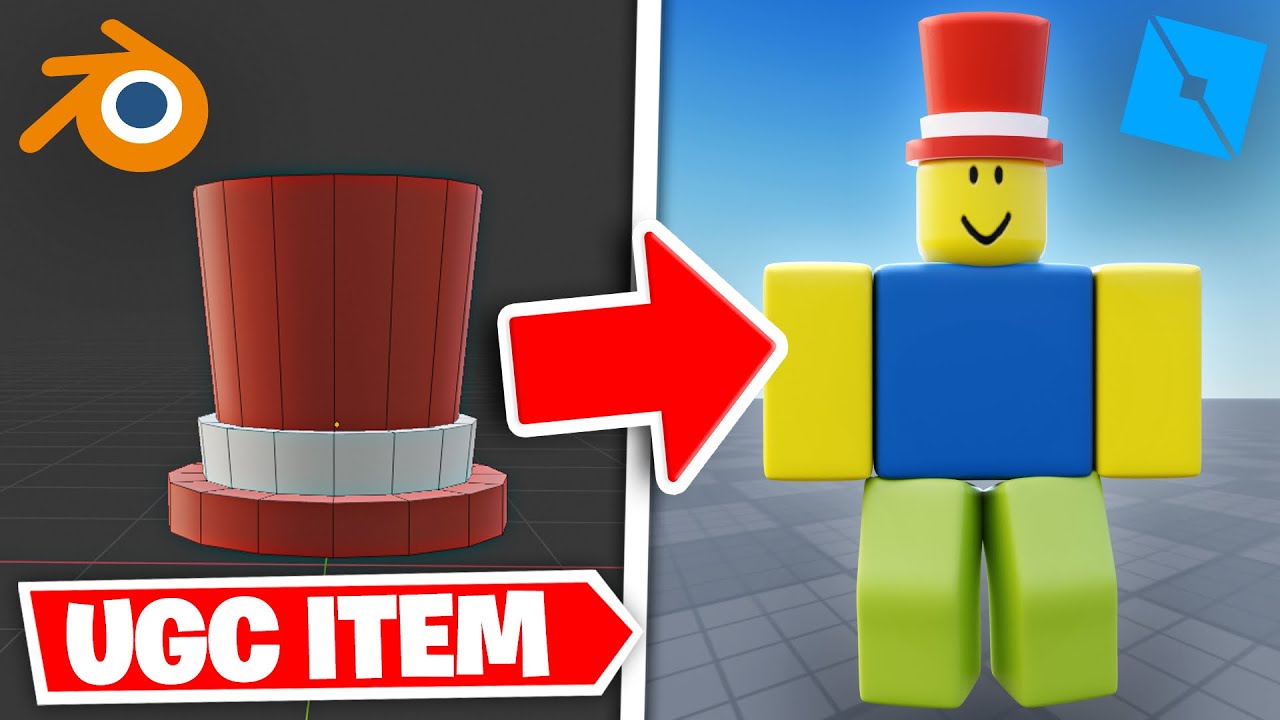


How To Make Your Own ITEMS In Roblox Without Blender Create Hqdefault . How To Make Avatar Shop Items In Roblox Full Guide YouTube . How To Make A Roblox UGC Item Beginner Tutorial YouTube . Create Your OWN ITEMS Is COMING To Roblox YouTube . How To Design Roblox Clothes On Mobile Devices




Roblox Studio Create Your Own Mesh With Blender YouTube . How Do I Make Clothes On Roblox In 2026 . HOW TO MAKE ROBLOX CLOTHES BASIC STEP BY STEP DESIGNING TUTORIAL . How To Make Your Own Roblox Item YouTube . How To Make Your OWN OFFICIAL GAME On Roblox Studio YouTube


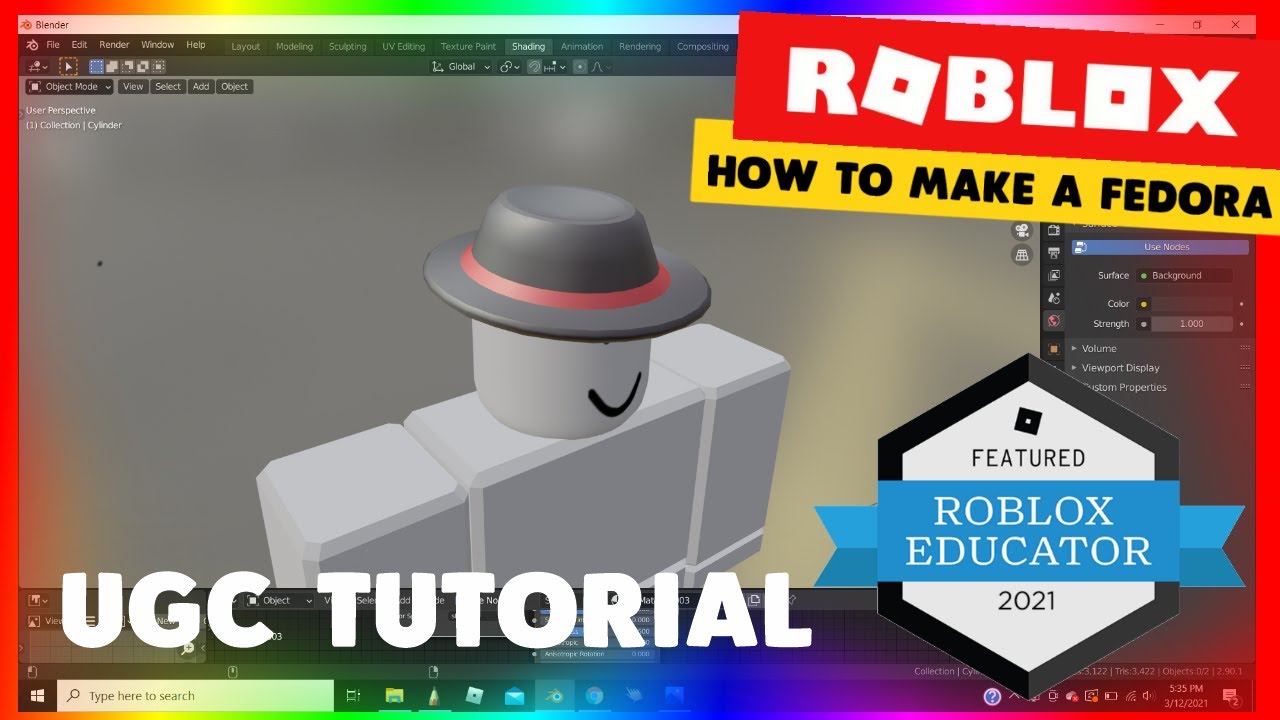
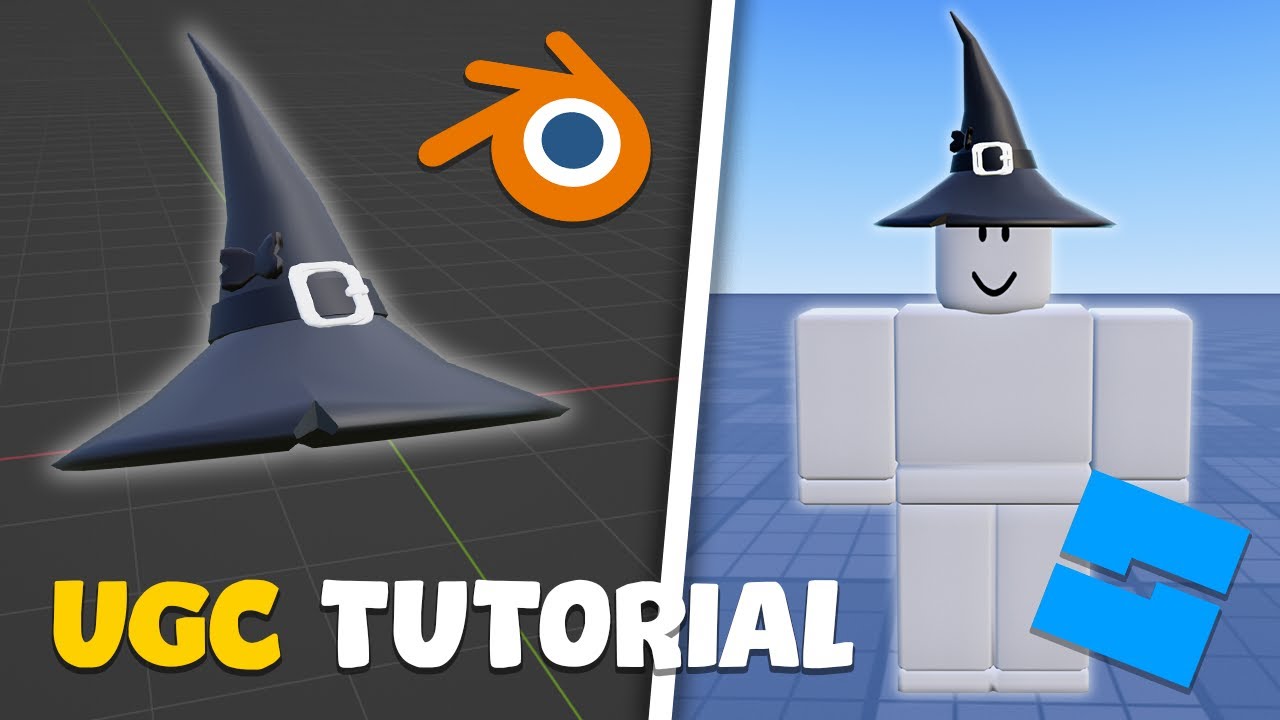
Make Your Own Roblox Art At Layla Dickens Blog . How To Design Roblox Clothes On Mobile Devices 63345cdc B656 44b2 85bb. How To Create Hats In Roblox For Creators . How To Create Your Own Roblox Models Tutorial For Roblox RBLX Tutorials 16843. How To Make A Roblox UGC Item For Beginners YouTube
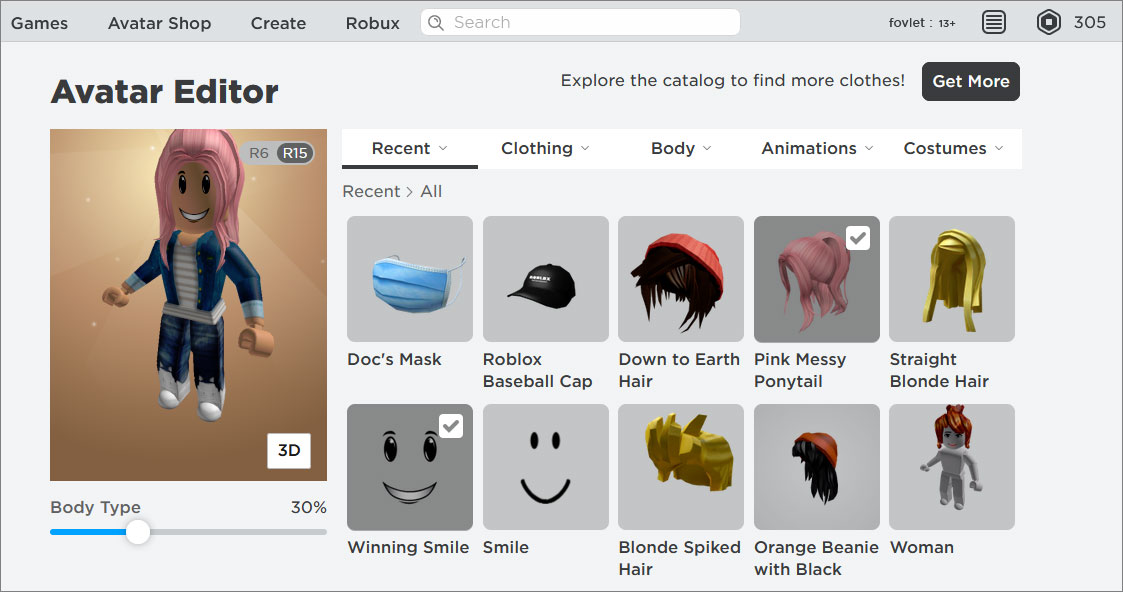

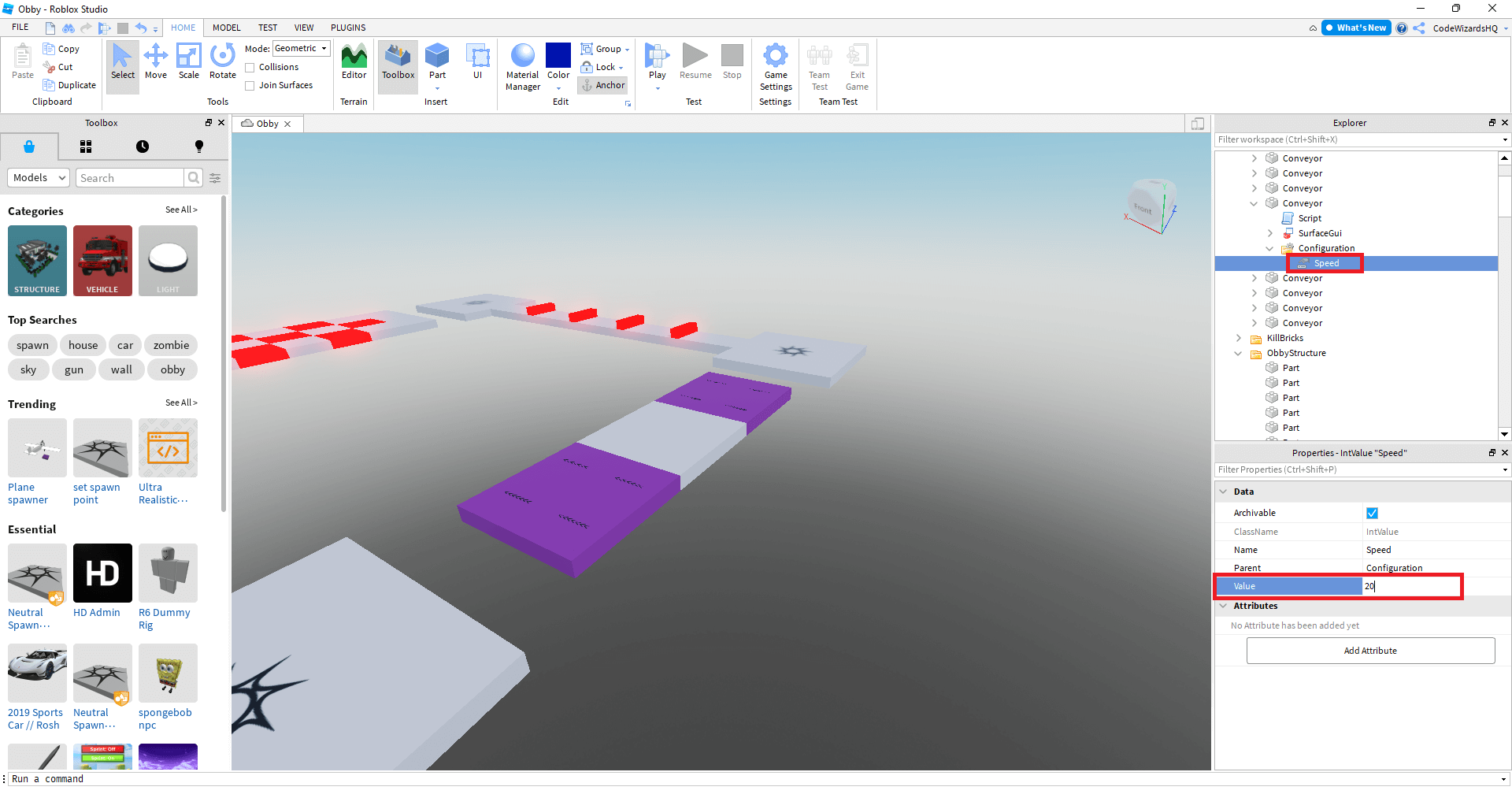


Make Your Own Roblox Game A Beginners Guide Image 14 1 . How To Make Your Own Roblox Avatar Items Design Talk . Make Your Own Roblox Game A Beginners Guide Step 7 . How To Create And Sell Your Own Roblox Accessories New Guide YouTube . How To Make A Roblox Game In 2026 Beginner Guide How To Make A Roblox Game In 2026 Beginner Guide 1024x683

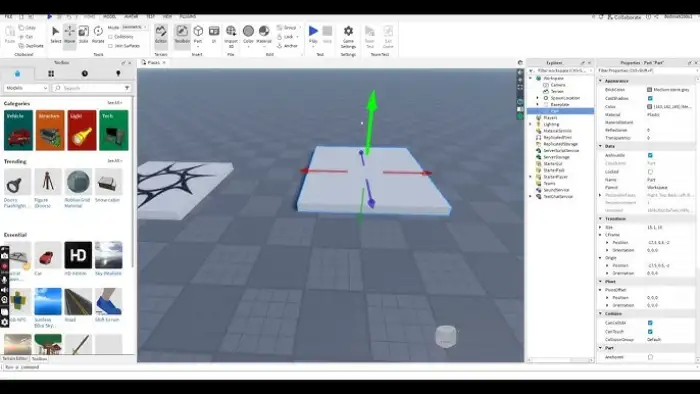


Can You Return Roblox Items A 2026 Guide Drop Items In Roblox Step 6 Version 2 . Roblox A Guide On How To Create A Game On Roblox.webp. How To Make Your Own Game On Roblox . How To Sell Roblox Items For Real Money 2026 Guide How To Sell Roblox Items. Make Your Own Roblox FPS Game



HOW TO MAKE UR OWN SHIRT IN ROBLOX 2026 YouTube . 2025 New Update Today How To Get Free Item MAKE In Roblox Edit Roblox . HOW TO MAKE A E TO PICK UP A ITEM Roblox Studio Tutorial YouTube . Roblox Tutorial How To Make An Item From Scratch How To Make An Item In Roblox Main . How To Make A Roblox UGC Item For COMPLETE BEGINNERS Make Robux