In 2026, Roblox continues its reign as a global gaming powerhouse, but players often wonder how to change region on Roblox to enhance their experience. Whether you are aiming to join friends in specific localized servers, access geo-restricted content, or simply seeking lower ping for smoother gameplay, understanding the mechanics of region alteration is crucial. This comprehensive guide delves into the various methods and limitations players face when trying to switch their virtual location. From leveraging advanced VPN services optimized for gaming to exploring potential account settings or system-level adjustments, we break down what works and what does not. Discover how to navigate Roblox's regional complexities and optimize your playtime effectively. Stay ahead in the ever-evolving world of Roblox by mastering regional access and server selection for a truly global gaming adventure.
How do I change my region directly on Roblox?
There is no direct in-game or account setting on Roblox that allows users to explicitly change their server region. Roblox automatically assigns players to servers based on their real-world geographical location to ensure optimal performance and low latency. To simulate a different region, players typically rely on external tools like Virtual Private Networks (VPNs) which mask their true IP address, making it appear as if they are connecting from another location.Can a VPN help me change my Roblox region?
Yes, a VPN is the most effective method for simulating a region change on Roblox. By connecting to a VPN server in a different country, your internet traffic will be routed through that location, making Roblox believe you are physically there. This can allow you to access servers and localized content specific to that region, enhancing your gameplay experience, though it might introduce slight ping increases depending on server distance.Does changing my Roblox account country change my server region?
No, updating your registered country within your Roblox account settings typically does not change the server region you connect to for gameplay. Roblox's server allocation is primarily based on your current IP address and geographical proximity. While updating your account country might affect certain localized promotions or payment options, it won't magically relocate your gaming experience to a different server cluster.Why would I want to change my Roblox region?
Players often want to change their Roblox region to play with friends located in other countries, access exclusive localized events or content not available in their home region, or reduce latency by connecting to a closer server if their default connection is routing inefficiently. It opens up a broader global community experience and diverse content.Are there risks associated with changing Roblox region using a VPN?
While generally safe, using a VPN can sometimes increase ping if the chosen server is far from your physical location or the Roblox server. Free VPNs might pose security risks or have bandwidth limitations. Always choose reputable, paid VPN services to ensure data privacy, fast speeds, and reliable connections, as Roblox's terms of service do not explicitly forbid VPN usage but some games might have their own policies.Will changing my region affect my Roblox ping?
Changing your region, especially via a VPN, can indeed affect your ping. If you connect to a Roblox server located far from your physical location, even if you're using a VPN, you're likely to experience higher latency (ping). Conversely, if your default routing is inefficient, a VPN might sometimes connect you to a geographically closer or better-routed server, potentially reducing ping.Guide How to Change Region on Roblox in 2026
Welcome, fellow PC gamers, to 2026! The landscape of interactive entertainment continues to evolve at breakneck speed, with AI-enhanced experiences becoming commonplace, cloud gaming maturing, and high-refresh-rate monitors pushing visual fidelity to new heights. Amidst this technological boom, platforms like Roblox remain immensely popular, offering a universe of user-generated content. Yet, many players across the U.S. and beyond often find themselves asking a fundamental question: how to change region on Roblox? Whether you are looking to team up with international friends, dive into region-specific events, or simply optimize your connection for smoother gameplay, understanding the nuances of server regions and geo-restrictions on Roblox is more relevant than ever. This comprehensive guide will equip you with the knowledge and strategies needed to navigate Roblox's regional complexities in 2026, ensuring you get the most out of your global gaming adventures. We will explore direct and indirect methods, focusing on what truly works to help you master your Roblox experience.
Understanding Roblox's Regional System in 2026
Roblox's infrastructure is designed to provide the best possible experience by automatically connecting players to the nearest and most performant server based on their physical location. This system generally works well for minimizing latency and ensuring stable connections. However, it also means that directly changing your 'region' within Roblox's settings is not an option. Your geographical location, determined by your IP address, is the primary factor. As PC gamers, we often crave control, and this automated system can sometimes be restrictive when we want to join specific international communities or access content not available in our default region. The concept of "how to change region on Roblox" isn't about altering a profile setting, but rather about influencing where Roblox perceives your connection originates from.

The Primary Method: Leveraging VPNs for Roblox Region Control
In 2026, Virtual Private Networks (VPNs) remain the most robust and widely accepted method for players who wish to know how to change region on Roblox. A VPN works by routing your internet connection through a server located in a country of your choice, effectively masking your real IP address and assigning you a temporary one from the VPN server's location. This tricks Roblox into thinking you are physically in that chosen region, thus allowing you to connect to its localized servers. For U.S. gamers, selecting a VPN server in Europe, Asia, or another continent can open up entirely new gameplay possibilities.
Choosing the Right VPN for Gaming in 2026
Not all VPNs are created equal, especially for gaming. In 2026, look for premium VPN services that offer:
- High-Speed Servers: Crucial for minimizing latency and preventing lag. Services like ExpressVPN or NordVPN consistently rank high for gaming performance.
- Global Server Network: A wide array of server locations gives you more options for region switching.
- Strong Encryption & No-Logs Policy: Protect your data and privacy while online.
- Dedicated Gaming Features: Some VPNs now offer optimized servers specifically for online gaming, reducing ping and enhancing stability.
- Cross-Platform Compatibility: Ensure the VPN works seamlessly on your Windows PC.

Step-by-Step: How to Change Region on Roblox with a VPN
Here’s a simplified guide to effectively change your perceived region on Roblox:
- Subscribe to a Premium VPN: Choose a reputable service (e.g., ExpressVPN, NordVPN, Surfshark) and install its client software on your PC.
- Launch the VPN Application: Open the VPN client.
- Select a Server Location: Browse the list of available server locations and choose the country or region you wish to appear from. For instance, if you want to play on European servers, pick a server in Germany or the UK.
- Connect to the VPN Server: Click the 'Connect' button. Your internet traffic will now be routed through this server.
- Launch Roblox: Open your Roblox client or browser. Roblox will now detect your connection as originating from the VPN server's location, ideally connecting you to regional servers there.
- Verify Connection (Optional but Recommended): Some in-game experiences or external IP checkers can confirm your perceived location.
This process is straightforward and is the most reliable answer to how to change region on Roblox for active gameplay.
Common Questions About Roblox Region Changes in 2026
Can I change my Roblox account's registered country?
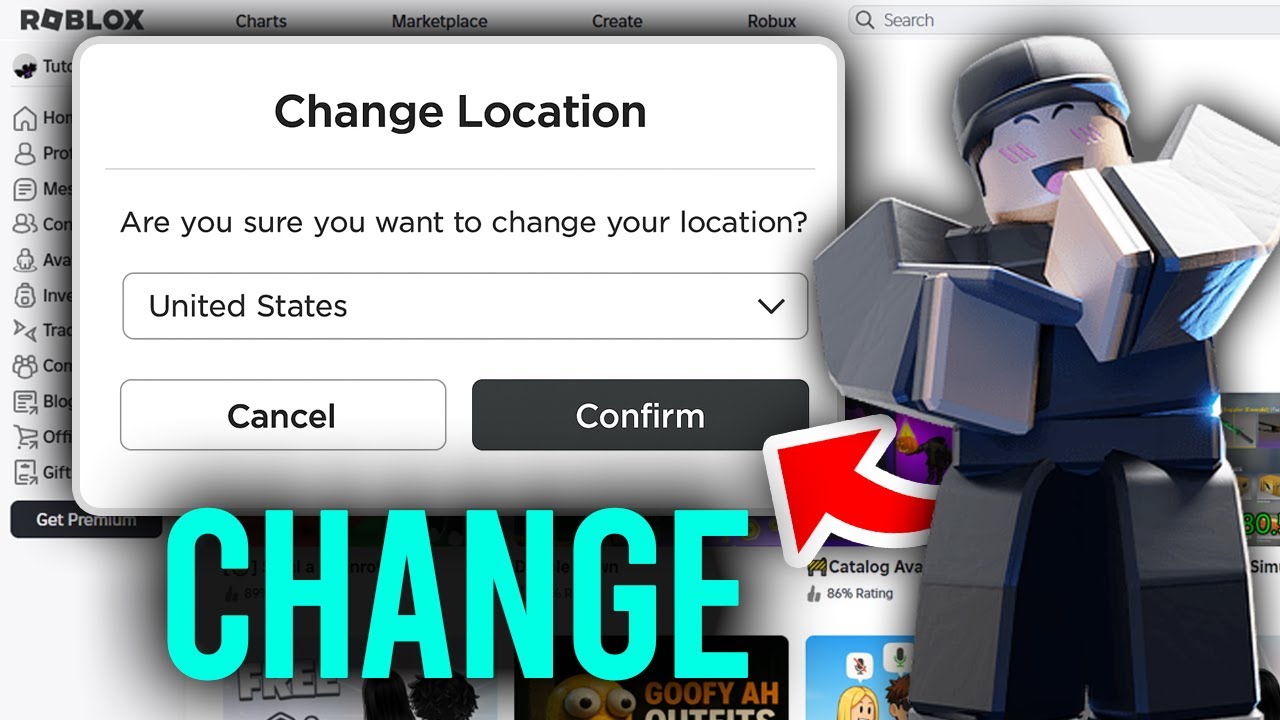
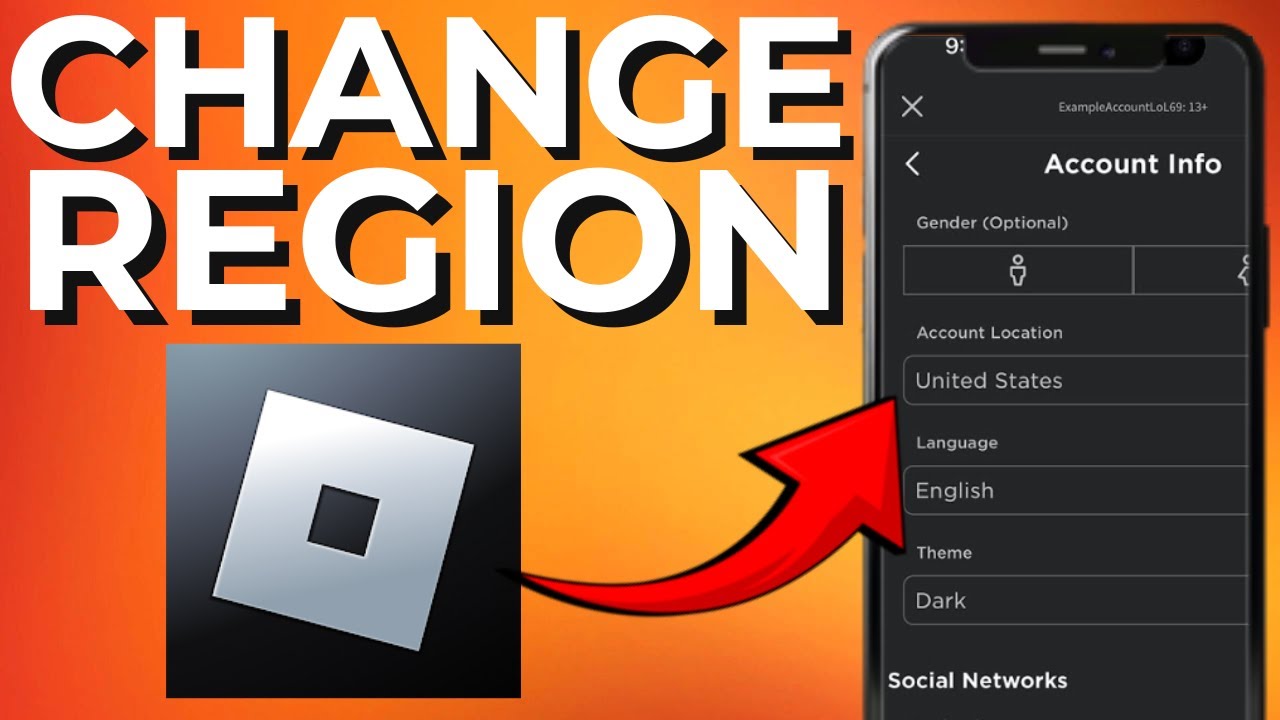
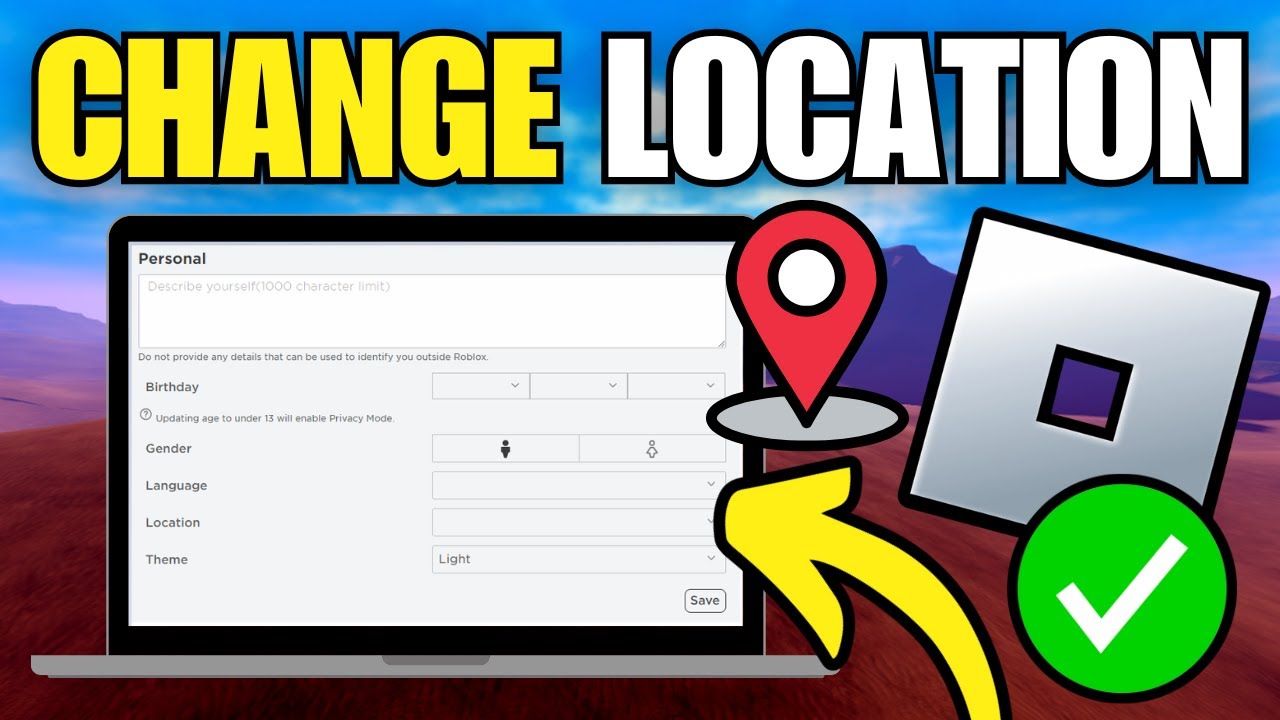
Yes, you can update your country within your Roblox account settings via the official website. Navigate to "My Settings" and look for the "Personal" section. However, it's critical to understand that changing this setting primarily affects things like localized payment methods, currency displays, and potentially some regional content notifications, but it generally DOES NOT directly influence the server region you connect to during gameplay. Roblox's server assignment prioritizes your actual IP address location for optimal performance.
Will changing my region affect my ping and performance?
Absolutely. When you use a VPN to change your perceived region, your internet traffic takes a longer route to reach the Roblox servers. This additional distance, combined with the encryption overhead of the VPN, can introduce latency (higher ping). While premium VPNs are highly optimized, a noticeable increase in ping is common, especially if you're connecting to a server halfway across the globe. For competitive games, this might be a disadvantage. Always aim for a VPN server geographically close to your target Roblox game server to minimize impact.
Are there any limitations or risks when using a VPN for Roblox?
While generally safe and effective, there are a few considerations. Free VPNs often come with data caps, slower speeds, and potential security risks. Always opt for a trusted, paid service. Roblox's Terms of Service do not explicitly prohibit VPN usage, but abusing the system (e.g., for fraudulent purchases or circumventing bans) could lead to account penalties. Also, some specific Roblox games or experiences might implement their own anti-VPN measures, though this is rare for the platform as a whole. Always use VPNs responsibly.
What about playing with friends in different regions?
Playing with friends in different regions is one of the primary motivations for knowing how to change region on Roblox. If you want to join friends in a specific regional server (e.g., a friend in Europe playing on a European server), you would both need to connect to a VPN server in that same European country. This synchronizes your perceived locations, allowing Roblox to place you both on the same regional game instance. Communication is key to ensure everyone is connected to the correct VPN server before launching Roblox.
Beyond VPNs: What Doesn't Typically Work for Region Changes
While the allure of a simple toggle is strong, many common misconceptions exist about changing your Roblox region. Simply adjusting your PC's system locale or language settings will not influence Roblox's server allocation. Similarly, changing your timezone has no bearing on server connectivity. The core principle remains that Roblox uses your network's public IP address to determine your geographical presence. Any method that doesn't alter this fundamental network identifier will not be effective in changing your perceived region for gameplay purposes.
The Future of Roblox Geo-Location in 2026
As we look to the future, it's unlikely Roblox will introduce a direct, user-controlled region selector. Their focus remains on providing a seamless, low-latency experience for the vast majority of users, which automatic server assignment facilitates. However, with the rise of cloud gaming and more sophisticated network routing technologies, the performance impact of VPNs may continue to diminish. Furthermore, global content creators might become more adept at designing experiences that are less geo-restricted, fostering a truly borderless metaverse. For now, the answer to how to change region on Roblox firmly rests with smart VPN usage.

Conclusion: Master Your Roblox World, Region by Region
In 2026, understanding how to change region on Roblox is an invaluable skill for any dedicated PC gamer looking to expand their horizons. While Roblox itself doesn't offer a direct setting, the strategic use of a high-quality VPN empowers you to virtually relocate, access diverse content, and connect with friends across continents. Remember to prioritize reputable VPN services for speed and security, and be mindful of potential ping increases. By taking these steps, you can transcend geographical boundaries and unlock the full, global potential of the Roblox metaverse. Share your favorite international Roblox experiences in the comments below!
About the Author:
As a seasoned PC gaming enthusiast and SEO specialist with over a decade of experience, I've seen the gaming world evolve from pixelated sprites to photorealistic metaverses. My expertise lies in dissecting complex gaming mechanics and optimizing content to help gamers worldwide find the answers they need. I'm passionate about exploring new technologies and ensuring everyone can get the most out of their virtual adventures.
Roblox lacks a direct in-game region change setting. VPNs are the primary method for simulating a different geographical location and accessing regional servers. Changing your account's registered country is generally complex and does not directly affect server region selection for gameplay. Understanding server proximity and ping is crucial for optimal performance when attempting region changes. Geo-restrictions might apply to specific events or localized content within Roblox. Always consider security and privacy when using third-party tools like VPNs.
35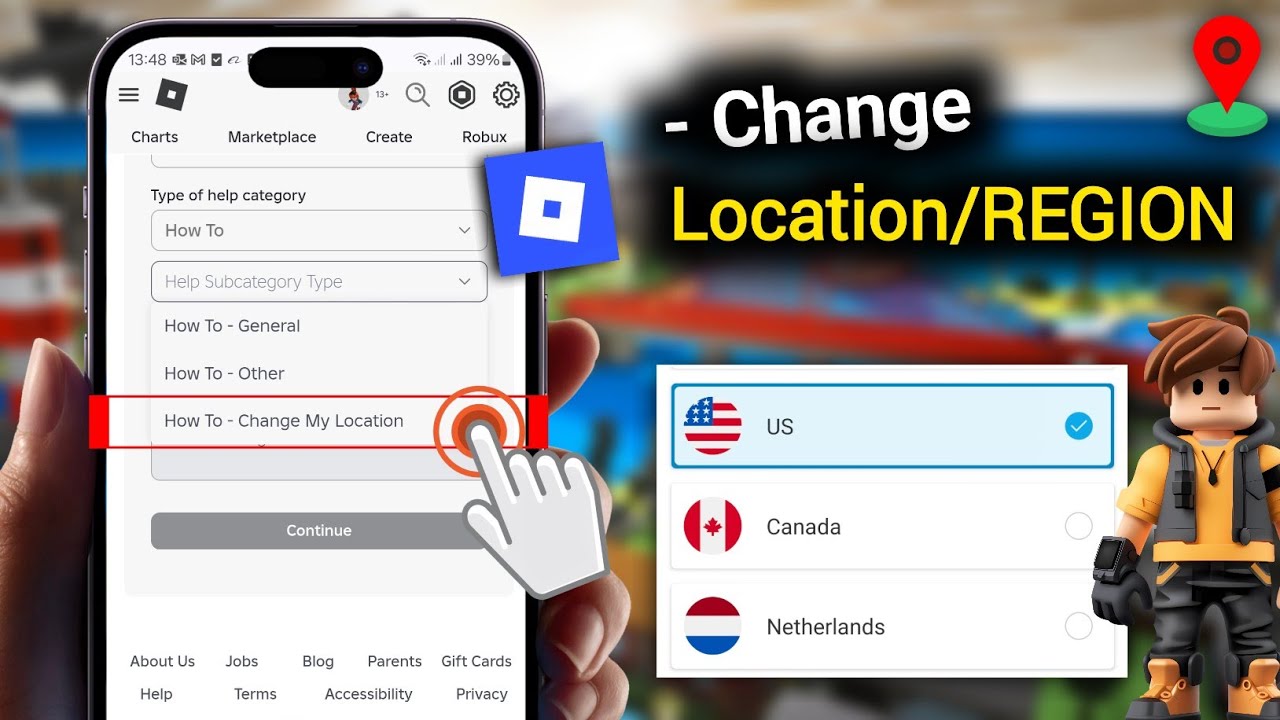


How To Change REGION In Roblox 2026 How To Change Account Location . How To Change Region Location In Roblox Very Easy YouTube . How To Change Region In Roblox Change 2024 YouTube . How To Change Country Location Region On Roblox Account New Update Hqdefault . How To Change Your Region On Roblox EASY YouTube


How To Change Country Region In Roblox Easy Guide YouTube . How To Change Account Location Country Region On Roblox In 2026 . How To Change Account Location Country Region On Roblox 2026 . How To Change Country Location Region On Roblox Account 2026 Update . How To Change Region In Roblox 2026 YouTube


How To Change Country On Roblox YouTube . How To Change REGION In Roblox 2025 How To Change Account Location . How To Change Country Location Region On Your Roblox Account YouTube . How To Change REGION In Roblox YouTube . How To Change Country Or Region In Roblox Guide YouTube


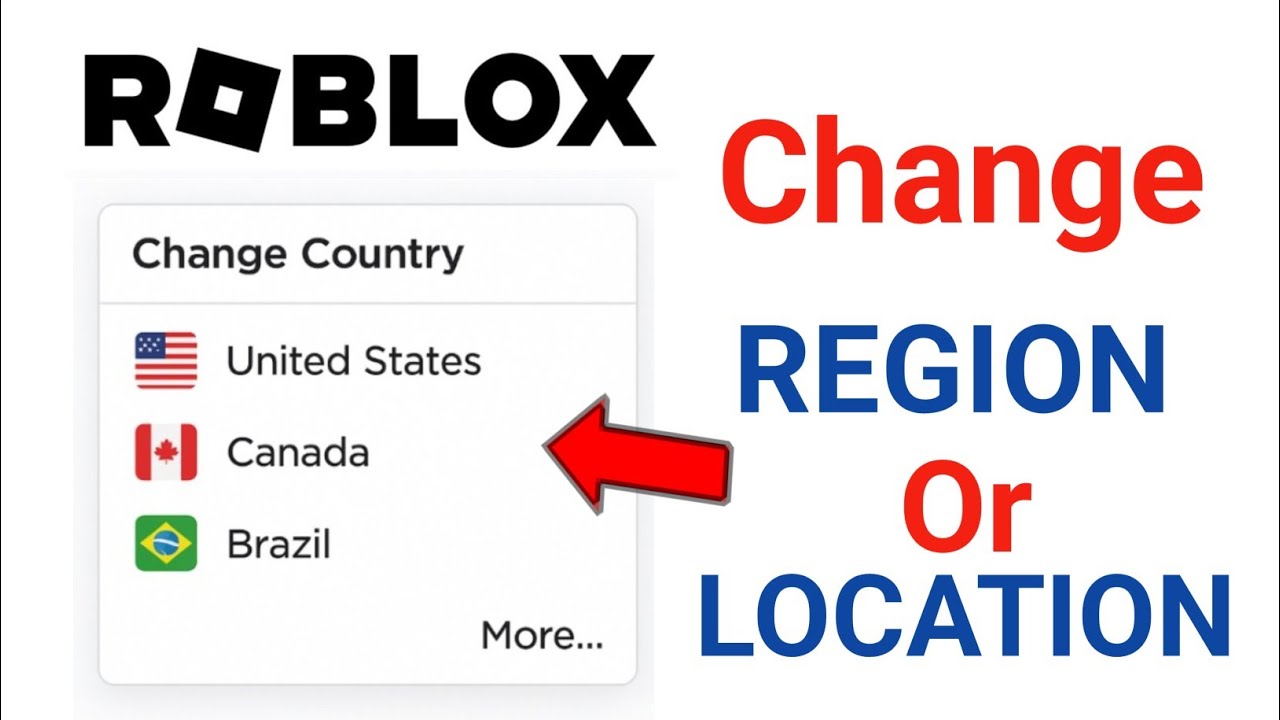

HOW To CHANGE Location Region In ROBLOX EASY STEPS Roblox Tutorial . How To Change Region In Roblox Easy Step By Step YouTube . How To Change Roblox Country Or Region Roblox . How To Change REGION In Roblox 2025 How To Change Account Location . How To Change Roblox Region Country Server Location 2025 Guide


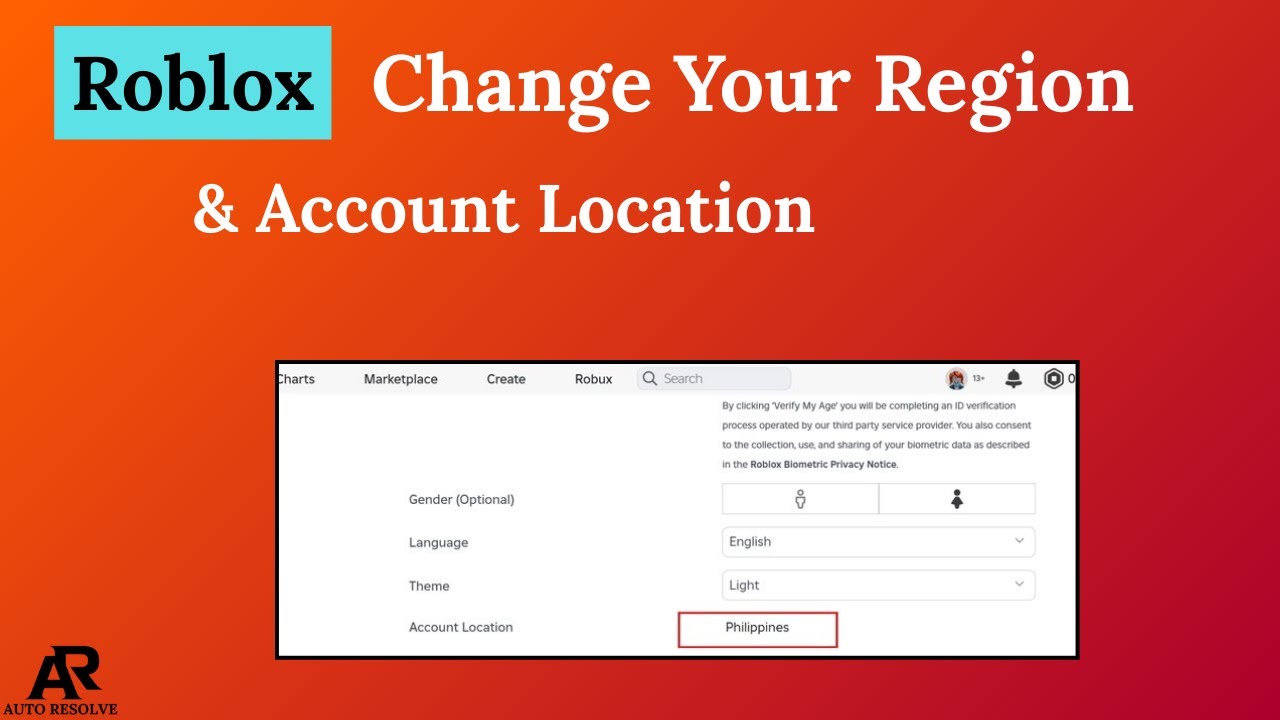


How To Change Country In Roblox 2024 How To Change Location On Roblox . How To Change Account Location On Roblox Change Country On Roblox . How To Change Your Roblox Region Account Location In 2026 Full . How To Change Region On Roblox 2023 YouTube Hqdefault . How To Change Location On Roblox Account 2026 Easy Way YouTube

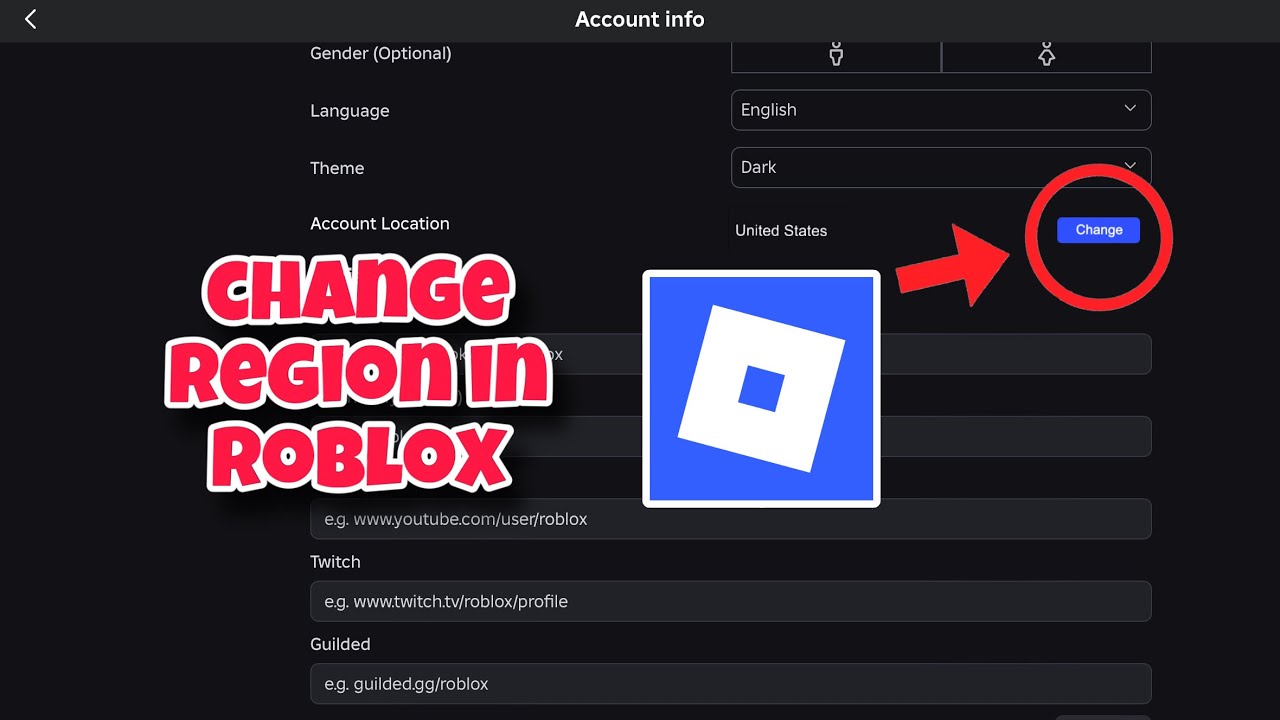


How To Change Account Location Country Region On Roblox 2026 STEP . How To Change Region In Roblox Server Guide YouTube . How To FIND Roblox SERVER REGION WORKING 2026 YouTube . How To Change Roblox Account Location More Than Once Easy Guide Tools How To Change Roblox Location More Than Once . How To Change Roblox Country 2025 HOW TO CHANGE LOCATION ON ROBLOX



How To Change Your Region On Roblox Updated YouTube . How To Change Roblox Location 2025 Update Country Region On Roblox . How To Change Location On Roblox Account YouTube . How To Change Location In Roblox Change Account Country On Roblox . Change Country Roblox How To Change Roblox Country Change Region On Hqdefault